Showing posts with label Edtech. Show all posts

Friday, April 30, 2021

Infusing Learning with Among Us!

 Using Games in the Classroom

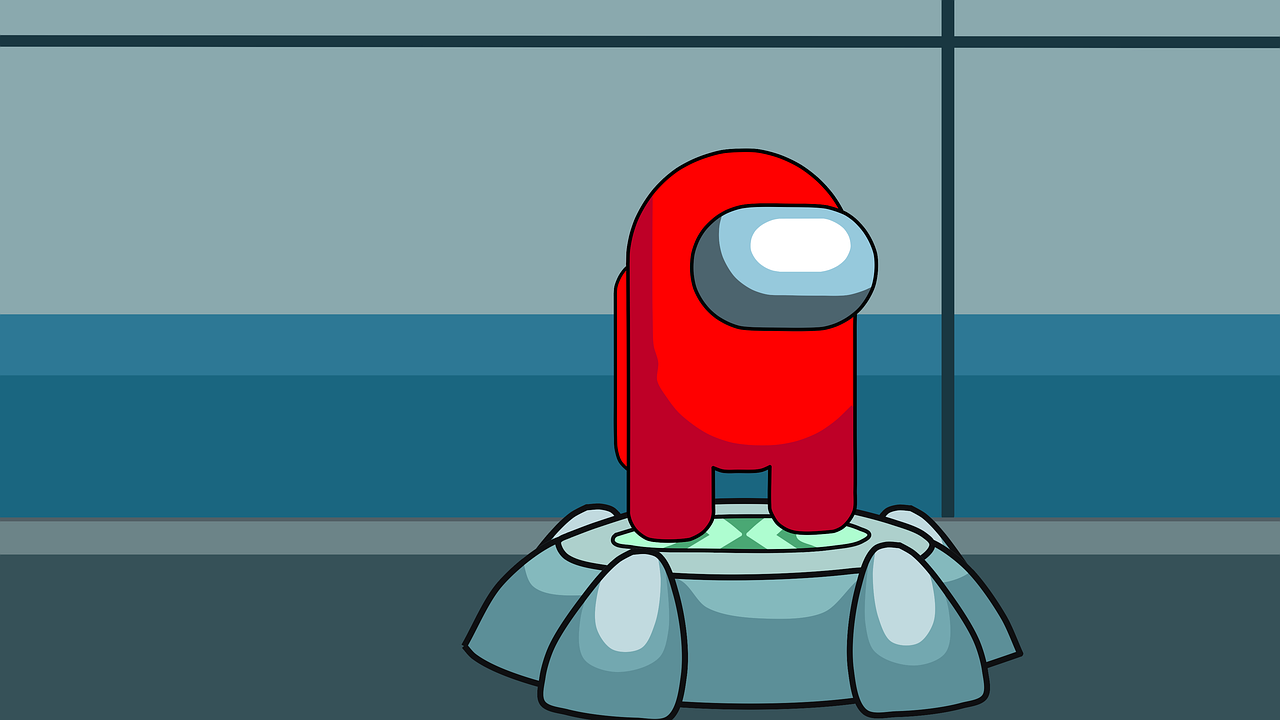
With over 350 million copies downloaded worldwide, it's no wonder Among Us has become popular in the education realm. Educators have created engaging Google Slides to incorporate everyone's favorite cooperative game! Knowing this, I just had to try it in my classroom. I would like to say this game may not be appropriate for all levels, as it has an ESRB Rating of 10+, because of cartoon violence and in-chat messaging. 

After being inspired by another NASEF Fellow, Angelique Giana (Edutopia Article), and her lesson on persuasive arguments in the classroom while using Among Us!, I thought I can do this in my SAT Prep Course! And of course, carving out time in my Exploration of Game Design course was a no-brainer. Using Ms. Gianas' slide show I talked about persuasive arguments and framed the game as a learning and practicing guide. For SAT Prep, we used SAT words instead of the common names for places in the game. The Med-Bay became the Infirmary, Weapons became the Armory, a corner in the walkway became a Juxtapoint. 


Ideas for other Classes: 
Spanish, French, or any Foreign Language Class - Introduce Colors in Espanol have players play while speaking only in Spanish or French or any other foreign language, create prompts and questions to type or speak out loud if virtual on Zoom. 

EL Class - Engage your English language learners to create a safe space to practice asking questions for certain experiences, "Where is the cafeteria?" etc. 

Computer Science: Build the game around the Imposter being a bug in a game. And the crewmates are the coders who need to fix the bug. Once the game is introduced and the map decided upon, students can draft pseudocode to communicate where the imposter has struck and then all communication in the game has to be written in the pseudocode, until the coders lose or the bug is fixed. Another fun practice is to have students create their own pseudocode for communicating in the app during gameplay. Students could collaboratively create a pseudocode list, to figure out how to ask simple questions, like locate(body) and locate(color) to ask where a character who had died was found.  

CS: This could also include working out a UML chart for a character. Then dive into the characteristics of each student's player creation. Then play out the game for some in-class fun. Build mods in this CS Lesson by Jeffrey Wile, and have students practice coding!

The Plan

The game is played with 10 players at a time, so in large classes, student leaders will have to be chosen to create a lobby and share the code with students in their group. While in a remote learning setting, sending students into break-out rooms can help create a private discussion area while students play. You can have them chat in the game or un-mute and discuss who they think is the Imposter during the game. 

In Hybrid online students can set up a lobby and play while in class students can do the same. If you have an off-number students in the class can play with those online as well to keep all engaged.

In-person you can break students into teams of 10 to play with a student leader. 

Make sure all students agree on the stage settings and have downloaded the game on their mobile devices. If there is a lag between games, remember that some students will and should opt for the free version download on mobile platforms, which requires a video to play between each game.


Reflection

With using Among Us during a remote learning setting I had more participation than I could have ever asked for! Students were attending those days in record numbers and playing together and with me. The gameplay was engaging and gave us all a good laugh. It connected us and bonded us as a class in the virtual environment. Many times students would come in and ask if we could play again, so I would say it was a hit! It was just like Heads-Up 7-Up, from my elementary days!

Saturday, June 15, 2019

Blog #2 ESL 509 - EL Students and the Four Skills

During our fifth week of class, we were assigned to read Robert Blake's journal on using, "Technology and the Four Skills."  The reading had us investigate technology to help teachers effectively and deliberately teach EL students reading, writing, speaking and listening skills.  Each of the four skills is necessary for a class with EL students.  Teaching students a vocabulary heavy course like Geometry I have found that I do need to find ways to make students interact with the vocab in different ways.

Speaking and Listening

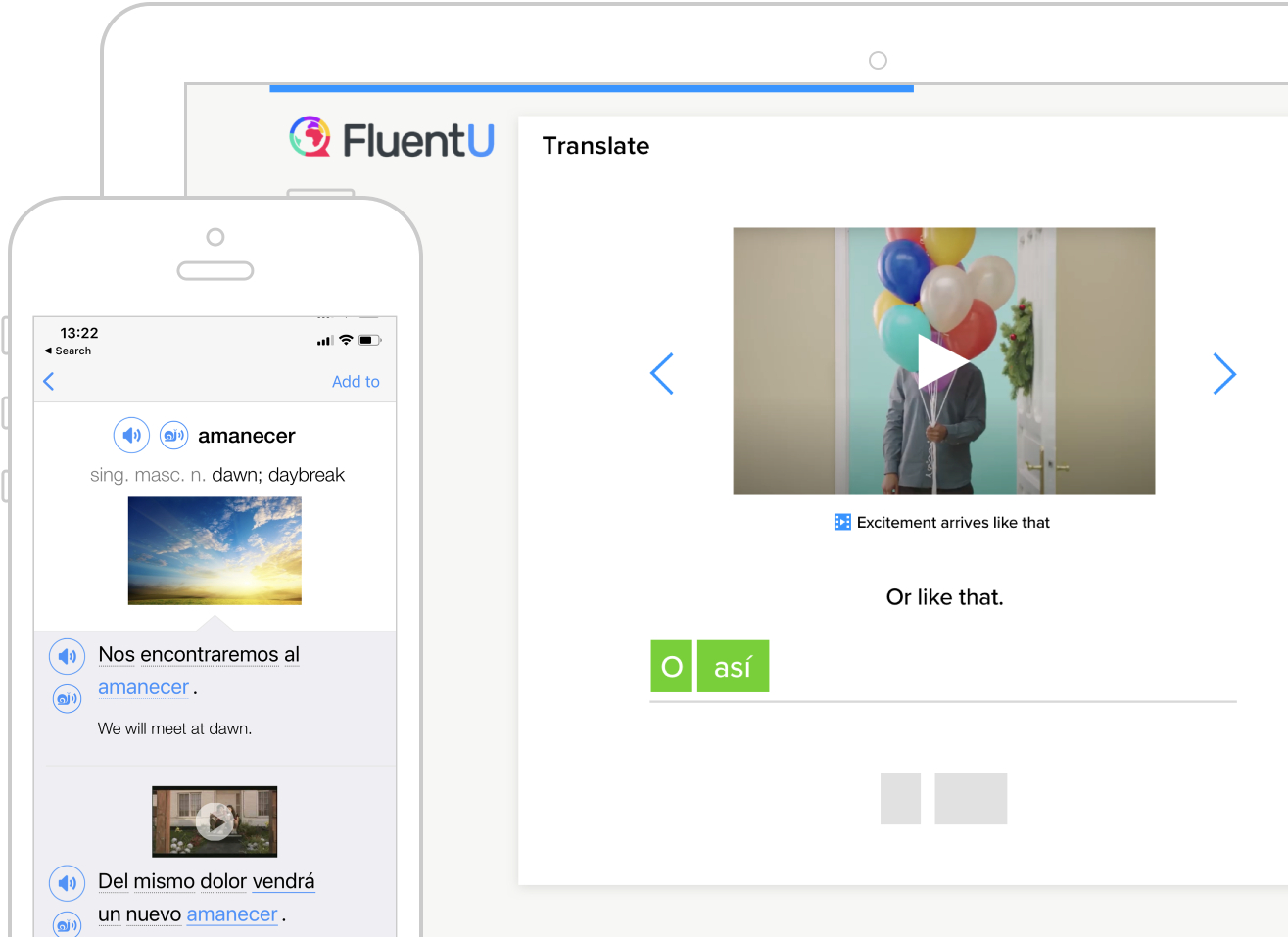
Out of the four skills, two that lend themselves to one another are speaking and listening.  Students in a classroom who need practice speaking and listening to the English language.  One article that I found useful in my Google Alerts this week came from Study International and had a list of Top 4 Apps to Help International Students Learn English Effectively,  one of the comments from an App developer, FluentU, was really interesting and stated that it, "uses a natural approach that helps you ease into the English language and culture over time."  I really liked the perspective and see the app as something that could be useful in our EL department.  Students can interact with videos, musical numbers, commercials, news and inspirational talks with subtitles and quizzes that adapt to the student's level of English.  

Getting Social in the Classroom listed a lot of great technology apps to use with students and inspired me to think of ways that I could get students to practice using the vocabulary in Geometry in an authentic way.  Using Flipgrid, I could have students post vocabulary pre-view videos and then interact with one another by responding after listening to one or two recordings of their peers.  Students could then practice using their English skills in the mathematics classroom, and use the technology to listen to others in the classroom.  Students would be able to listen to one another, critique their expertise and engage with one another in listening and speaking about content.

Reading and Writing 

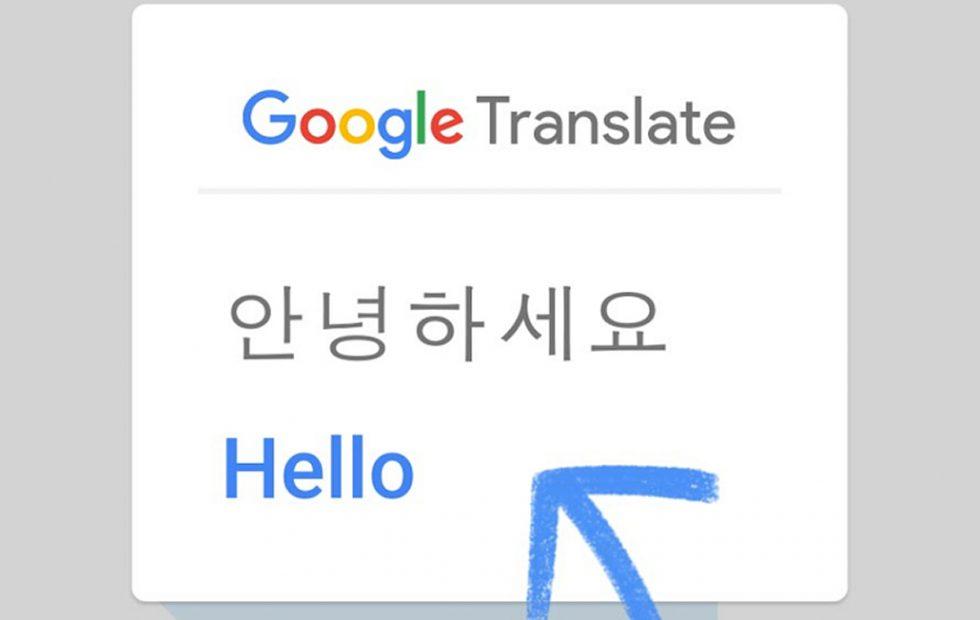
The Top 4 Apps for learning English Effectively also had an interesting use for Google Translate, using it Live to translate menus, signs or even museum exhibits.  This tool would have been useful for the group of students that I had the pleasure to chaperone in Annapolis, Maryland.  Students could have used Google Translate to quickly translate the wording on the plaques that were displayed in and around the capitol building.  The Google Translate tool can also be used within the mathematics classroom to help translate word problems in the mathematics classroom as well. 


Getting Social in the Classroom using social media to help engage students is described as an authentic way to get students to read and write in the classroom.  In my first blog, I talked about how I wanted to use Edublogs as a tool for student writing.  The one app in my reading that piqued my interest was the use of Twitter.  I have been using Twitter to connect with educators around the world, and the thought of linking student writing with the use of a specific hashtag.  Geometry students could connect to one another across my periods, and Tweet out real-world mathematics connections.  The beginning of the school year my classes could have a competition to find the best hashtag for the Geometry class, and I could then curate the Tweets for the classes to read online on my website.

With all of the online digital tools and applications on mobile devices, there are tons of ways to enhance and support the speaking, listening, reading and writing of my EL Students.  I am looking forward to using some of these tools in the future.  

Thursday, June 6, 2019

Blog #1 ESL 509 - Blogging with ESL Students

Over the Summer of 2019, I have the opportunity to increase my pedagogy skills by taking several courses.  One of the courses I am engaged in is utilizing technology in an EL classroom, called Computer Assisted Language Learning, ESL 509 at Wilkes University in Wilkes-Barre Pennsylvania.  The course has required our class to start a blog, which luckily I already had this one, and use Google Alerts to keep up to date on ESL Technology for the classroom.  Several tags I have added include ESL itself, ESL Blogs, ESL Tech, ESL Math and some other Gaming to Learn Alerts.  Although they are limited, I have begun to collect some great resources for my teacher toolbox through the Google Alerts.

Blogging in the EL Classroom: 

During my tenure at William Penn Senior High School, I have taught the full gamut of mathematics courses until I finally landed in my passion, Geometry.  I teach a heavily vocabulary centered mathematics course, that has a lot of terminologies to describe the pictures and diagrams my students see every day.  One such set is the "undefined terms" of points, lines, and planes.  Within my classroom, I have utilized journaling on a weekly basis to help students process, use, and analyze the terms in Geometry.  I have a journaling page that students write on, and usually, every Monday, Wednesday, and Friday and submit each week for a grade.   They are asked to describe a process, define terms in their own words, and solve algebraic problems with geometric shapes.  I have been toying with the idea for some time, and I think after some much-needed pushes with my research, I want to utilize Blogs in the coming year for students to accomplish much of these written responses.

After researching all of the resources, using EduBlogs will best help me take my writing assignments to a new level.  While looking for information I came across some Tips and Tricks on how to use blogs with EL students.  Suggestions included having students utilize Blogs to keep up with the written practice of the English Language, then to make sure students write comments after at least one other person's written responses.  Setting up a good framework of expectations with a grading rubric is a must in this endeavor, as students will need to make sure their responses are thoughtful and appropriate for a school setting.  Blogs can be utilized as a writing platform to connect all student learning as well as help EL acquisition of the English Language.

EL Math Course


While reading some more of my Google Alerts one popped up that was interesting to me,  "CSISD Trustees Approve New Math Course for ESL High School Students."   While we have been struggling with Algebra Keystones and meeting state proficiency benchmarks, there are very few supports for our EL students.  Having an EL Math Course could be a game changer for our district.  If we had our students in the right supports we would be able to help students grow even more than in previous years.  Some of our students could really benefit from having an EL supported Math class to help with skills and vocabulary that they could encounter in our state exam.

This past school year our Algebra courses were enriched by adding the Math 180 online course and curriculum.  Students are challenged daily to make numerical sense out of the problems that they see. Maybe just taking this course, adding an EL co-teacher or aid might be just enough to make an EL math course with number sense and language support.


Look out next week for my next writing involving more of my thoughts on teaching EL students with technology!


Sunday, January 21, 2018

One Hour of Code Initiative

After finishing two graduate courses on utilizing technology in the classroom, I was tasked with one for a collaborative research project.   The project consisted of classmates and I researching a technology trend in education and we chose coding in the classroom.  I was very impressed with the Code.org website and all of the resources that are available for free on the site, including their One Hour of Code Initiative.  I had students watch the five minute video from Code.org to get them excited to investigate coding.  Students then created a free Code.org account and started the process of completing the One Hour of Code initiative from December 4th through December 8th this year.


Following the One Hour of Code program, students were then given a set of Scratch coding activities that progressively increased in difficulty.  Students were tasked with creating an easy set of code that drew four different polygons.  Then they were given a second task to code a random polygon generator using some more complex coding pieces, which also had students create a block (their own code piece) to name the polygon that was generated. For the final project students were tasked with creating coding blocks to draw a Sierpinski Triangle.  (My code is attached below.)  I used these projects in my Saturday STEM Mathematics program last spring, and found that they would be great for school this year as well. 


The whole program took students about 5 days and an average of 5 hours to complete all of the coding projects.  Students were given a great opportunity to investigate coding.  To celebrate and reward their accomplishments with more than just a grade, I created a certificate of completion.  Students who successfully completed all of the projects and showed that they ran were awarded the certificate that they could then use in any resume.  My district is trying to increase the amount of experiences students are given for job and college readiness for PA State Act 339.  So the experiences in coding and computer science will give them more confidence in working on computers, and some confidence with job readiness skills.


Once students finalized the projects, they began to investigate the math and history of fractal geometry, a mathematical definition of the patterns seen in nature.  Computer science has used fractals to create more and more realistic computer generated imagery in video games and movies.  Students got to investigate logarithms to define the fractal dimension and took in-depth looks at how the math has changed how we look at the similarities in nature.  For the last four years, I have been implementing and developing this two week unit before Christmas break. Leading up to students creating a holiday Sierpinski Tree.  I hope to one day inspire my students to investigate fractals even more, because the math behind it is very interesting.

Friday, October 20, 2017

Conditional Statement Story - Post Observation Reflection

Ever read the story, "If You Give a Mouse A Cookie" by Laura Numeroff?  I had not until I married an elementary school teacher, and read the book she had in her classroom.  Several years ago after reading the book I had an idea that was going to allow me to use the story for my students as well.  What could a Geometry Teacher do with a children's book you may ask?  Well it's simple, the entire book is written as conditional statements, if p then q.  In my second unit in the school year,  Reasoning and Proofs, we delve into the mechanics of writing conditional statements, their converses, inverses, even contrapositives, and using the symbols to write these statements.  The statements are used throughout my course to write and prove postulates, properties, theorems and corollaries.  Students immerse themselves in the logic of the statements and decide whether or not there is a truth value to a given statement.


6th Period Starting the Project
When I originally designed my project I had students write their own book and draw illustrations in it.  But now as I am becoming more tech savvy and more digitally in-tuned with my students needs. I figured why not adapt the use of computers to make a PowerPoint of the book?  The end goal is to make Google Slides the tool we use. But until students can log-in to a true Google Account and collaborate with students on the use of Google Apps, I am stuck with what little true collaboration my students and I have now.   Students are going to have to write their own Conditional Statement Story Project, much like "If You Give a Mouse a Cookie."  The requirements are that the story has 10 conditional statements, 4 original statements, 2 converses, 2 inverses and 2 contrapositives that flow together much like the story I read to them Tuesday.   Students will then work in pairs to write their story and illustrate it with pictures from the web.  I have a Google Slide set up to show them the proper uses of a Google Image Search to utilize photos for their presentation that have permission to reuse and distribute the image.  I added this component of Digital Citizenship to promote the Creative Commons that many other students already know about.  

Since students could not access Google Slides from the network computers we were utilizing,  I then had to change gears in my planning and have all students create their stories using Microsoft PowerPoint.  They then uploaded their typed rough draft and final PowerPoint presentation to my Dropbox account.  My Wiki page linked here allowed them access to the links I provided for my Dropbox, where I could then add the presentations to my Google Drive and convert them to Google Slides to easily share online.  One key characteristic of being an educator is that I am very flexible and while I would like to continue my journey in learning and utilizing Google Apps, I know that there are tools out there already that help me with technically updating my craft.  


7th Period Starting the Project
Wednesday I was observed by my administrator while students were working on this project and so I am using this post as my reflection piece.  (Lesson Plan Here)  Some thoughts I had while thinking back on my activity are; I would like to change my requirements for the rough draft for next year by making students label their statements, and also have them put the labels in the notes section of their PowerPoint or Google Slide.  Although most students completed a nice cover page some needed to be asked to do so, so next year I am going to add a cover page section into the rubric.  I feel students worked really hard on their stories, had good questions about the project, and I chose some of the best ones to share below.


 Please read and enjoy the great things these students accomplished while writing, creating and learning online.


Sunday, October 15, 2017

First Marking Period - Data & Committing to Life Long Learning

Recently the Keystone scores for Pennsylvania were released, and our Algebra 1 scores were not where we would have envisioned them.  Our English Language Arts scores saw growth, and a 9% gain in overall Proficiency, along with the Biology exam that is now given in PA.  Math took a 2% hit, although the numbers of students in the below basic category dropped and increased their scores, we need to re-examine the way we teach mathematics.  We believe student scores will increase if the math department increases the writing proficiency in Algebra.


In my Geometry course I am committed to help increase the perserverance in writing mathematically and technically.  To foster those skills I am utilizing more task problem sets to practice skills in Geometry.  Recently students investigated the use of areas in carpeting and tiling a first floor of  a house.  I used Carnegie Learning's Geometry course when I student taught and have found continued uses for the problem sets that are available in their old books.  I bought a student edition off of Amazon for $10 and have been using specific problem sets for my course to enhance the classroom rigor and relevance.
Carpeting & Tiling a Floor- Using Task Problems to investigate
area in a Geometry Classroom while increasing
writing in mathematics. 
I also am expanding my classroom set-up, with a new use for the white board in the back of my classroom.  After participating in a  Twitter conversation with some other professionals across the United States about mathematics and education, one topic really stood out to me.  What do you do with good student questions?  One educator said he had a Pressing Questions board, and I thought to myself, well I have a blank White Board in the back of my room, let's utilize it and discuss more questions with students. One question led us to a whole class discussion and deeper thinking while looking at a drawing on GeoGebra to illustrate what happens when polygons increase their number of sides.  My visual learners were fully engaged in the discussion and said they would like to use GeoGebra themselves.
New Pressing Questions White Board - Use questions students come up
with that cannot be addressed right away, or that are good enough
to keep coming back to. 

Students were also introduced to the use of Geogebra to start manipulating and working with digital drawings of mathematical concepts.  I enjoy teaching my students how to work with protractors and compasses, but this tool is much more efficient and easily understood, especially for my visual learners.  Throughout the school year I plan to utilize more Geogebra in the classroom to model mathematics in the real world, and maybe even in uploading photos for my students to modify and work with.   However, I'm finding that using our district network is making it difficult to continue with some of my ideas and the work I'm doing in my graduate courses.

Collage of Student Projects
Triangle Angle Sum, Interior Angles of Polygons
& Angle and Segment Bisectors

The only catch with all of the work in my courses I would like to continue with, is the fact that I cannot modify anything with my students and have them complete work in their own Google accounts, where everything can be saved to a cloud.  The school district I work for restricts the useage of student log-ins for any type of e-mail or account log-in.  Once we become a Google School I will be proud to share with them in all of the uses of Google tools in the classroom!  I even went so far as to become a Google Certified Educator, Level 1, and hope to continue this school year to gain Level 2 and even Trainer status to compliment my future master's in Information Technology Specialist.  I have a lot on my plate and continue to keep trying new things as an educator because I know my students deserve the best.  I want to inspire them in a way they have not been before, to look into technology and mathematics as a career and life-long learning process.

Topology Assignment for my Grad Class,
the computer lab system I work with, when
it works.