Showing posts with label Project Based Learning. Show all posts

Thursday, July 30, 2020

The Tale of the White Math Teacher


From previous posts, and my obvious profile picture, I am pretty much the whitest guy you can ever meet. I grew up in the country, riding horses, bailing hay, tending gardens, and lived my first years on a plot of roughly 15 acres of land. My high school had a total of 318 students, 7th-12th grade, and I graduated with 62 other people in my class. Our school was far less diverse than anyone could even imagine.

I graduated from a small private Catholic college, with about 400 other students, and made my way to York, PA to teach at an urban district, for my one and only major career choice, teaching mathematics.

I would like to say that I am not a racist, that I have never done or said anything that could be recognized as negative to my fellow man, but I am not perfect. I grew up around people who said, "Don't go into the city, you know what kind of people are there!" or "All the Mexicans have come in to work and it's becoming an unfit town!" or "All of those people are the same!"

When I started my job in York City, a few people asked if I was going to take a gun to school. I have read news articles that have called my school building "Wild Zoo"! I remember watching the beginning of the #BlackLivesMatter Movement, saying, "YEAH! Let's go for Equality!", but I did not do anything else.

Before I moved to York not once in my life did I question, or stand up for a person of color, or a minority who was being discriminated against. I just rolled with the comment. I was a white guy who did not understand… That has all changed! I am an ally for my students, parents and coworkers!


Wearing Black to Support our neighboring 
SOC's in a rough time, Dated 2016. 

I have challenged myself to become better in recent years and look for more views on education from outside sources, my favorites most days are on my Twitter Account. There I have been challenged to think more on the white washed version I have had on history education, as well as how to incorporate more successes from BIPOC in history, and not just the white washed version I have been given. 

I have incorporated the study of Fractals into my own Geometry Curriculum, and have shown students that places in Africa have been using Fractal Geometry for centuries in their creation of their villages. We also look at how recursive self-similarity is important in computer graphic imaginary, game design and coding. (See a list of YouTube Videos I use here: Fractal Playlist)

From my outlook, my students deserve a caring, respectful teacher willing to listen to their circumstances, understanding of their humanity and community! I will always be an advocate for my students, and make sure the relationships I form with them are one the basis of respect. I will help them find their learning path, and engage in more lessons that help my students discover their place in this world!

Friday, October 20, 2017

Conditional Statement Story - Post Observation Reflection

Ever read the story, "If You Give a Mouse A Cookie" by Laura Numeroff?  I had not until I married an elementary school teacher, and read the book she had in her classroom.  Several years ago after reading the book I had an idea that was going to allow me to use the story for my students as well.  What could a Geometry Teacher do with a children's book you may ask?  Well it's simple, the entire book is written as conditional statements, if p then q.  In my second unit in the school year,  Reasoning and Proofs, we delve into the mechanics of writing conditional statements, their converses, inverses, even contrapositives, and using the symbols to write these statements.  The statements are used throughout my course to write and prove postulates, properties, theorems and corollaries.  Students immerse themselves in the logic of the statements and decide whether or not there is a truth value to a given statement.


6th Period Starting the Project
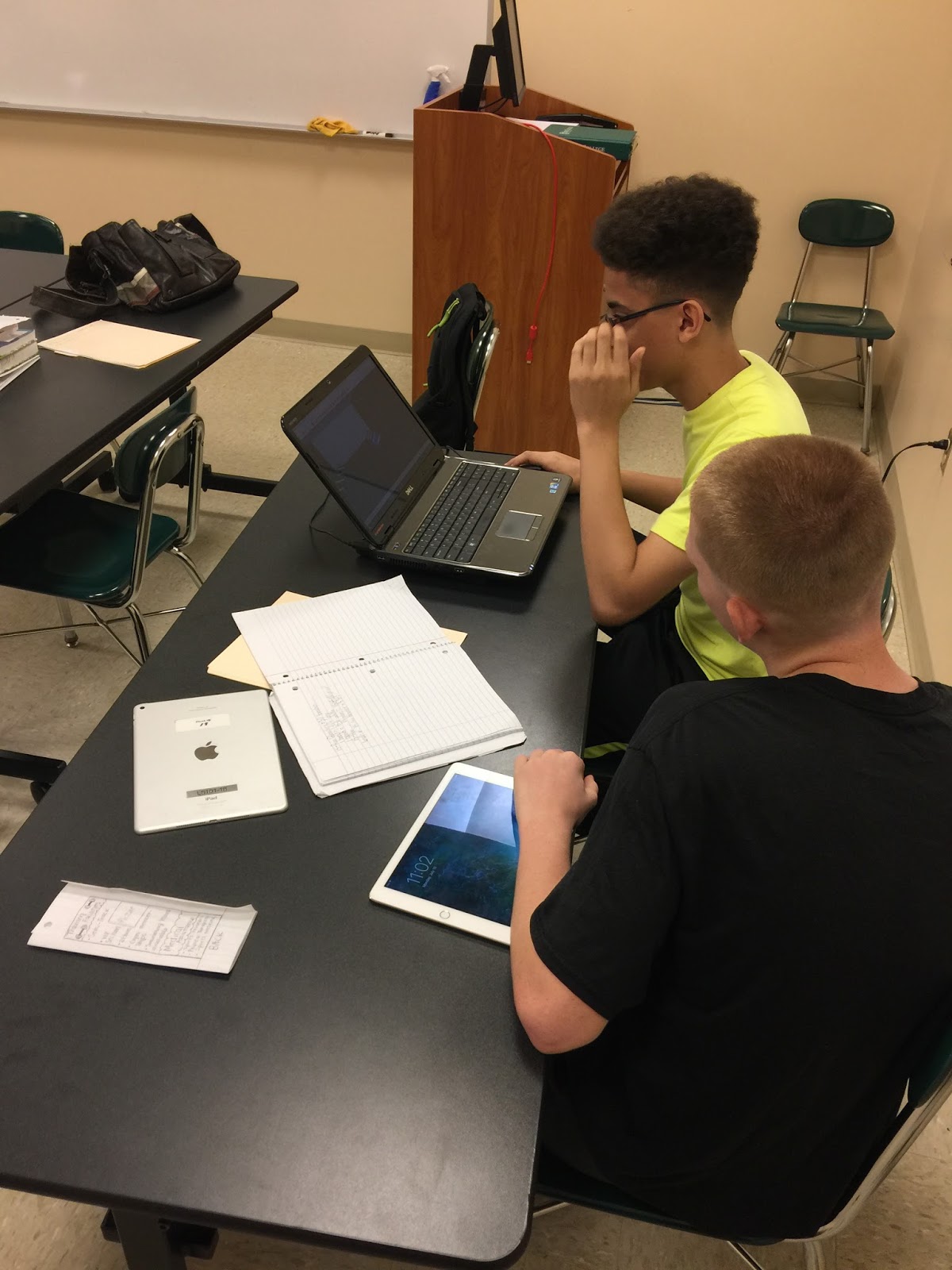
When I originally designed my project I had students write their own book and draw illustrations in it.  But now as I am becoming more tech savvy and more digitally in-tuned with my students needs. I figured why not adapt the use of computers to make a PowerPoint of the book?  The end goal is to make Google Slides the tool we use. But until students can log-in to a true Google Account and collaborate with students on the use of Google Apps, I am stuck with what little true collaboration my students and I have now.   Students are going to have to write their own Conditional Statement Story Project, much like "If You Give a Mouse a Cookie."  The requirements are that the story has 10 conditional statements, 4 original statements, 2 converses, 2 inverses and 2 contrapositives that flow together much like the story I read to them Tuesday.   Students will then work in pairs to write their story and illustrate it with pictures from the web.  I have a Google Slide set up to show them the proper uses of a Google Image Search to utilize photos for their presentation that have permission to reuse and distribute the image.  I added this component of Digital Citizenship to promote the Creative Commons that many other students already know about.  

Since students could not access Google Slides from the network computers we were utilizing,  I then had to change gears in my planning and have all students create their stories using Microsoft PowerPoint.  They then uploaded their typed rough draft and final PowerPoint presentation to my Dropbox account.  My Wiki page linked here allowed them access to the links I provided for my Dropbox, where I could then add the presentations to my Google Drive and convert them to Google Slides to easily share online.  One key characteristic of being an educator is that I am very flexible and while I would like to continue my journey in learning and utilizing Google Apps, I know that there are tools out there already that help me with technically updating my craft.  


7th Period Starting the Project
Wednesday I was observed by my administrator while students were working on this project and so I am using this post as my reflection piece.  (Lesson Plan Here)  Some thoughts I had while thinking back on my activity are; I would like to change my requirements for the rough draft for next year by making students label their statements, and also have them put the labels in the notes section of their PowerPoint or Google Slide.  Although most students completed a nice cover page some needed to be asked to do so, so next year I am going to add a cover page section into the rubric.  I feel students worked really hard on their stories, had good questions about the project, and I chose some of the best ones to share below.


 Please read and enjoy the great things these students accomplished while writing, creating and learning online.


Sunday, October 15, 2017

First Marking Period - Data & Committing to Life Long Learning

Recently the Keystone scores for Pennsylvania were released, and our Algebra 1 scores were not where we would have envisioned them.  Our English Language Arts scores saw growth, and a 9% gain in overall Proficiency, along with the Biology exam that is now given in PA.  Math took a 2% hit, although the numbers of students in the below basic category dropped and increased their scores, we need to re-examine the way we teach mathematics.  We believe student scores will increase if the math department increases the writing proficiency in Algebra.


In my Geometry course I am committed to help increase the perserverance in writing mathematically and technically.  To foster those skills I am utilizing more task problem sets to practice skills in Geometry.  Recently students investigated the use of areas in carpeting and tiling a first floor of  a house.  I used Carnegie Learning's Geometry course when I student taught and have found continued uses for the problem sets that are available in their old books.  I bought a student edition off of Amazon for $10 and have been using specific problem sets for my course to enhance the classroom rigor and relevance.
Carpeting & Tiling a Floor- Using Task Problems to investigate
area in a Geometry Classroom while increasing
writing in mathematics. 
I also am expanding my classroom set-up, with a new use for the white board in the back of my classroom.  After participating in a  Twitter conversation with some other professionals across the United States about mathematics and education, one topic really stood out to me.  What do you do with good student questions?  One educator said he had a Pressing Questions board, and I thought to myself, well I have a blank White Board in the back of my room, let's utilize it and discuss more questions with students. One question led us to a whole class discussion and deeper thinking while looking at a drawing on GeoGebra to illustrate what happens when polygons increase their number of sides.  My visual learners were fully engaged in the discussion and said they would like to use GeoGebra themselves.
New Pressing Questions White Board - Use questions students come up
with that cannot be addressed right away, or that are good enough
to keep coming back to. 

Students were also introduced to the use of Geogebra to start manipulating and working with digital drawings of mathematical concepts.  I enjoy teaching my students how to work with protractors and compasses, but this tool is much more efficient and easily understood, especially for my visual learners.  Throughout the school year I plan to utilize more Geogebra in the classroom to model mathematics in the real world, and maybe even in uploading photos for my students to modify and work with.   However, I'm finding that using our district network is making it difficult to continue with some of my ideas and the work I'm doing in my graduate courses.

Collage of Student Projects
Triangle Angle Sum, Interior Angles of Polygons
& Angle and Segment Bisectors

The only catch with all of the work in my courses I would like to continue with, is the fact that I cannot modify anything with my students and have them complete work in their own Google accounts, where everything can be saved to a cloud.  The school district I work for restricts the useage of student log-ins for any type of e-mail or account log-in.  Once we become a Google School I will be proud to share with them in all of the uses of Google tools in the classroom!  I even went so far as to become a Google Certified Educator, Level 1, and hope to continue this school year to gain Level 2 and even Trainer status to compliment my future master's in Information Technology Specialist.  I have a lot on my plate and continue to keep trying new things as an educator because I know my students deserve the best.  I want to inspire them in a way they have not been before, to look into technology and mathematics as a career and life-long learning process.

Topology Assignment for my Grad Class,
the computer lab system I work with, when
it works. 


Tuesday, August 15, 2017

YCCOSP Stem Academy

While working with the YCCOSP Program (See my first Blog on my summer work) I have been given a lot of autonomy to create learning activities for my students.  This past Spring we had a chance to help design and implement a Saturday STEM Academy.  For four Saturdays, students were immersed in activities in Chemistry, Biology, Engineering and Mathematics.  Professors from York College of Pennsylvania created meaningful learning experiences for the YCCOSP students in the STEM field.  Since our school has discontinued all courses in computer science our students are never given the chance to experiment with coding or different computer programs.

While researching for a graduate course I found several articles on Edutopia about using Scratch coding from MIT to teach coding and mathematics.  Scratch is a basic system and teaches students coding using building blocks on the online coding program.  Several of the students had been through my Geometry class and had learned about the use and concept of Fractals.  Since our students have never been exposed to any type of coding programs I decided they needed to gradually be given steps to learn how to use the Scratch programming and scaffolded their learning activity with three different tiers of difficulty.


The first assignment took students through the basics of scratch code and taught them how to make the online icon do the simplest of moves to create a given polygon.  (Easy Scratch Coding Edutopia Blog)  The second assignment was then the intermediate level of coding which had students create a code to have the icon make a  random polygon and then name it based on the parameters given.  (Intermediate Scratch Edutopia Blog)  Finally students took the program to create the Sierpinski Triangle, a fractal program that made a recursive pattern within itself.  (Advanced Scratch Edutopia Blog).  From each of the blogs I found I created instructions and questions for the students to complete each level of difficulty in coding with the Scratch program.


Students were then tasked to share their code to their college Google+ account.  In the YCCOSP Math STEM Community that I created, students explained what they created and shared it with the world.  This allowed for another deeper conversation about the way one needs to convey themselves online and in social media.  I informed students that the sharing of their code and what their creations did, since it was put online they also had to understand that their words would be able to be seen by others in the social media.  This simple step created the sense that they as digital citizens must be precise in their wording and represent their own selves in a positive academic manner.


The Saturday morning was filled with a lot of fun and students were very involved in the program. Students who had never seen code in their academic career were exposed to a new programming method that can help teach students.  Students were very successful in coding their projects and even commented that they enjoyed learning and "playing around" with the website.  The program ran very well and in the future I hope I can create as meaningful of a set of projects as I have here.  You can get all of my documents used in my TpT store for free! Coding Projects for STEM Mathematics

Tuesday, August 1, 2017

YCCOSP 2017 Summer Reflection

The YCCOSP Program

For the past three years I have worked for York College of Pennsylvania as an adjunct professor and as a summer mathematics instructor for the York College Community Opportunity Scholarship Program.  The summer program is designed to help our students succeed in an accelerated curriculum and prepare them to enter college.  The program offers enrichment to students who apply to the program from William Penn Senior High School. The groups that are in the program are either entering their sophomore, junior or senior year of high school.  I work directly every morning and afternoon with the Rising Sophomores and Juniors teaching them more mathematics problem solving and critical thinking skills.  They also take a course on reading and writing to help develop those skills.  The Rising Seniors take an entry level writing college course and can earn course credit with successful completion of the class.

The program is designed to enrich and has no set curriculum so I have the freedom to design whatever I want for the students to create and learn.  Working at William Penn and knowing the curriculum we offer helps me in structuring the summer class for the students' success for the upcoming school year.  The program helps emphasize critical thinking skills and advancing SAT preparatory skills.  Students in the program are either going into Pre-Calculus their junior year or doubling up their sophomore year with Geometry and Algebra 2.  We worked this past summer on skills involving critical thinking, problem solving, polynomials, geometry basics, trigonometry and even some statistics.  The ten students were also broken into three teams that were tasked with a culminating project called "Design a Winner."


2017 Project: Designing a Winner


Each year the students showcase what they have learned and/or worked on, so this year I found a project online through Curriki using geometric skills to, "Design a Winner."  Students were tasked with building a multi-sports complex with set criteria.  The question  was designed as open ended and each team created a company name, then they had to start preliminary designs, proposals, 3-D models of the final design and showcase mathematical computations they used to help in their designs.  The beauty of the project was that it tied into what is going on in the community already. We begun by reading the YDR article "Rutter's cornfield could become sports complex."


Students also got a special treat because there is one of the largest sports complexes in the nation right down the road from York in Lancaster.  We bused the group down Route 30 to the Spooky Nook Sports Complex, where two experts lead us on a tour of the facility and gave us facts and figures to start the teams on their brainstorming creativity.  Students took to Instagram for a scavenger hunt on the tour and documented the trip with facts and pictures of the facility to use in their projects.  Students then took to using Sketchup to complete 3-D models of their projects.  (Educators can get the $600 program for free with proof of employment by a school district!)

Reflection

With the program running for 5 weeks and only Monday-Thursday time was limited on the project.  What made things run more smoothly was dividing up the aspects of the project between the student writing class time and mathematics class time.  Students wrote proposals, created Powerpoints and designed pamphlets for advertising in the writing class. They then created their model, used mathematical ratios and proportions to scale their models and created a poster to show off their designs and calculations in math class.  All components were then put on display during the showcase finale.  Students were also tasked with writing and orally practicing their proposal so they could discuss and answer questions about their project with the staff and parents who came to view their work.  

Students working on their project.


The last week I was really worried about how the project would turn out because I felt like we had rushed everything to be done on time.  We did not get to use trigonometry to talk about angles in the complexes the students were creating nor did we complete more calculations that would have intensified the math, but the students were excited to use the Sketchup program and learn about new designing software.  The thing that also did not help was that I did not have time to approach and have the campuses IT download or purchase a subscription to Sketchup for the students, I took my own personal laptops, I had 2, for the students to use and one student brought his own and downloaded the free version of Sketchup Maker.  The designs that came from the students were pretty amazing, although the time did not permit tons of detail they did come up with some interesting beginnings of designs.  

Athletic Era and their Project Design

The students were innovative and worked diligently in and out of the classroom, some utilized the Google Document Apps features to collaborate on one pamphlet or slide show at all times, which I did not even have to suggest.  By the end of the program my fears of the students being unprepared quickly subsided by looking at the posters and listening to the students discuss their designs to various YCP faculty members and their parents.  The students had a great sense of what the project was all about, they had stunning posters, great rate changes and an even better understanding behind design.  One group thought so much about the culture of York that they wanted to create a complex in the formation of a rose, since we are the White Rose City.  

AGibso and their Project Design

Although I did not feel like we got through everything that could have been done with the project, the time that I had with my students was invaluable in re-fueling the fire that makes me want to teach.  The inquisitive creative teams that I worked with were fun and impressed me with the work they completed.  The students did such a great job this summer that I feel a sense of pride in their accomplishments, plus I feel rejuvenated and ready to take on my regular geometry classes again! 
Clock Work and their Project Design