Showing posts with label #DigCit. Show all posts

Saturday, June 15, 2019

Blog #2 ESL 509 - EL Students and the Four Skills

During our fifth week of class, we were assigned to read Robert Blake's journal on using, "Technology and the Four Skills."  The reading had us investigate technology to help teachers effectively and deliberately teach EL students reading, writing, speaking and listening skills.  Each of the four skills is necessary for a class with EL students.  Teaching students a vocabulary heavy course like Geometry I have found that I do need to find ways to make students interact with the vocab in different ways.

Speaking and Listening

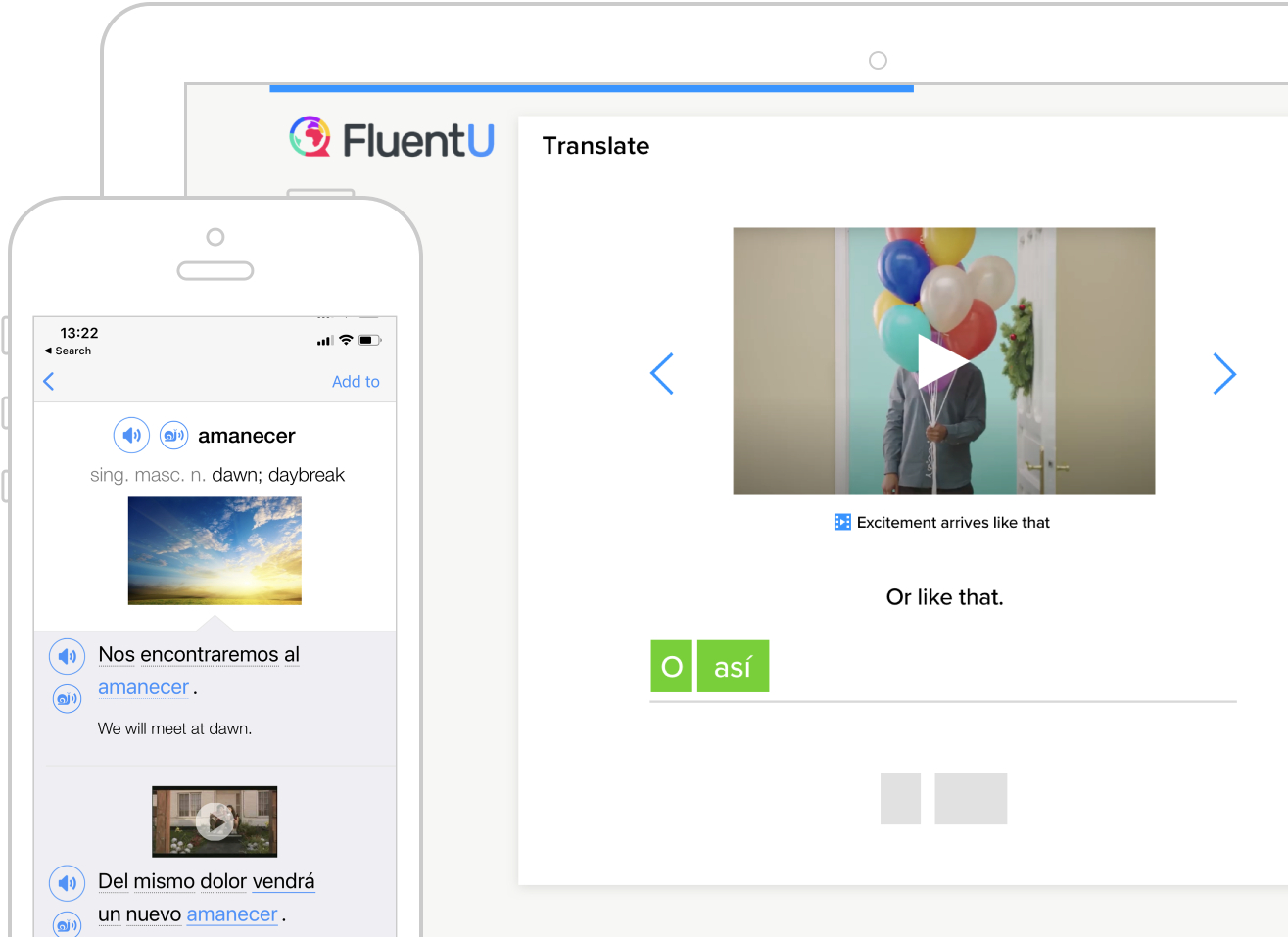
Out of the four skills, two that lend themselves to one another are speaking and listening.  Students in a classroom who need practice speaking and listening to the English language.  One article that I found useful in my Google Alerts this week came from Study International and had a list of Top 4 Apps to Help International Students Learn English Effectively,  one of the comments from an App developer, FluentU, was really interesting and stated that it, "uses a natural approach that helps you ease into the English language and culture over time."  I really liked the perspective and see the app as something that could be useful in our EL department.  Students can interact with videos, musical numbers, commercials, news and inspirational talks with subtitles and quizzes that adapt to the student's level of English.  
Getting Social in the Classroom listed a lot of great technology apps to use with students and inspired me to think of ways that I could get students to practice using the vocabulary in Geometry in an authentic way.  Using Flipgrid, I could have students post vocabulary pre-view videos and then interact with one another by responding after listening to one or two recordings of their peers.  Students could then practice using their English skills in the mathematics classroom, and use the technology to listen to others in the classroom.  Students would be able to listen to one another, critique their expertise and engage with one another in listening and speaking about content.
Reading and Writing 

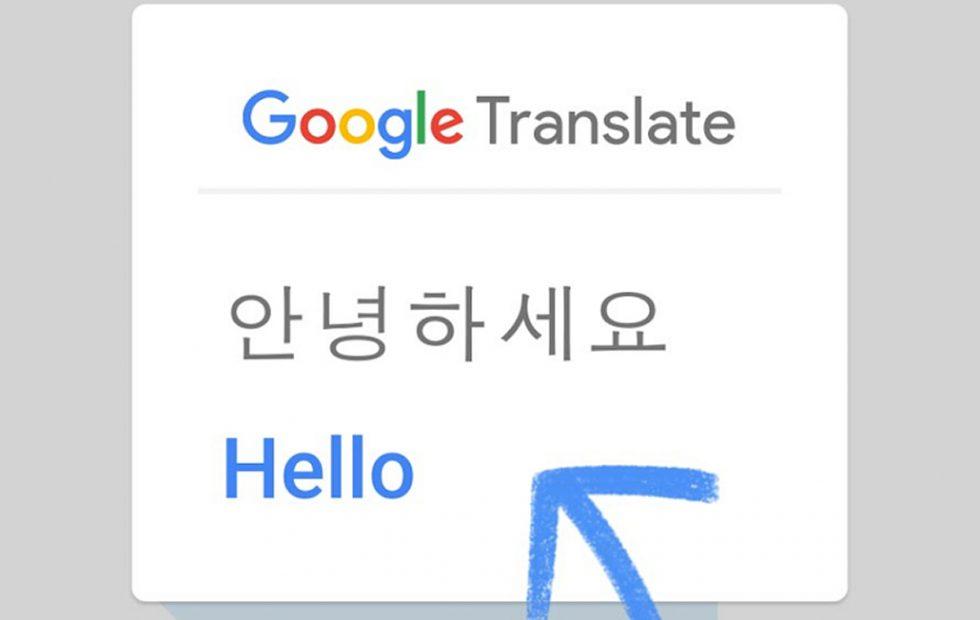
The Top 4 Apps for learning English Effectively also had an interesting use for Google Translate, using it Live to translate menus, signs or even museum exhibits.  This tool would have been useful for the group of students that I had the pleasure to chaperone in Annapolis, Maryland.  Students could have used Google Translate to quickly translate the wording on the plaques that were displayed in and around the capitol building.  The Google Translate tool can also be used within the mathematics classroom to help translate word problems in the mathematics classroom as well. 

Getting Social in the Classroom using social media to help engage students is described as an authentic way to get students to read and write in the classroom.  In my first blog, I talked about how I wanted to use Edublogs as a tool for student writing.  The one app in my reading that piqued my interest was the use of Twitter.  I have been using Twitter to connect with educators around the world, and the thought of linking student writing with the use of a specific hashtag.  Geometry students could connect to one another across my periods, and Tweet out real-world mathematics connections.  The beginning of the school year my classes could have a competition to find the best hashtag for the Geometry class, and I could then curate the Tweets for the classes to read online on my website.

With all of the online digital tools and applications on mobile devices, there are tons of ways to enhance and support the speaking, listening, reading and writing of my EL Students.  I am looking forward to using some of these tools in the future.  

Monday, October 8, 2018

CS Education

I started my Undergraduate work, at Saint Vincent College, in Computer Science and Business to teach high school students about computers.  After a round with C+ Programming, I decided that it was not for me, I did, however, enjoy my Calculus class immensely and decided to change to Mathematics Education as my Major.  Upon college graduation, I started teaching at an urban high school in 2007 and taught all Algebra 1 courses during my first three years, then Geometry, then Algebra again, Algebra 2, and now Geometry for the past 4 years.  While creating course material that I felt was relevant for my students I came upon some teaching material involving Scratch Coding.  From there I have found a love for computers and computer education again.
Saint Vincent College,
Latrobe, PA

I recently just finished coursework to complete my Plus 30 to advance the tier placement in my career, I had my Masters in 21st Century Teaching and Learning, through Wilkes University, completed in 2011, and did not realize the potential to having more credits under my belt.  I have been working hard to update my learning, and personal style to teaching, through courses in multiple ways, first through Learner's Edge where I completed a set of courses that gave me a certification (from their own personal certifications, not a PA State Cert.) in the area of Information Technology Specialist.  Through this set of courses, I decided it would be wise to get the state certification work on my Plus 30 and my eventual Plus 60 while adding more weight to my own personal learning with a second Masters in Informational Technology Specialist.

Bearcat in College
I am currently re-enrolled and going through Wilkes University where I have found the professors and learning modules very inspirational in my own teaching.  I have taken lesson plans and re-created them through use of more online and computer-based learning.   I have used Desmos, Geogebra and even Google Apps to enhance the learning in my classroom.  Through my journey, I have figured out that Computer Science is definitely going to take my own teaching and my students farther than I could have imagined.

Bearcat Teacher
I am starting this school year teaching AP Computer Science Principles and went through a training to learn how to process through the new course.  This will be a big step for me to take towards my goal of implementing more computer science in my school and will make for a huge learning opportunity for not only my students but myself.  In our building, we also created another new course using the text, Where Will I Ever Use This? Volume 1: Algebraic Modeling, using Excel to teach Algebraic Concepts.  The overall goal for our high school is to start creating learning academies within our building.  We have a Freshmen Academy, Performing Arts Academy and a Safety (First Responders) Academy, the academy I would like to start, you guessed it, Computer Science.


I would like to incorporate more courses in gaming, video game development, (since I am one of the Video Game Club advisors for my school) coding language, and possibly the AP Computer Science A one day.  I never thought that switching majors in 2004, would afford me the opportunity to still end up teaching and learning more about the passions I have in my life, computers and technology.

Personal Tech Blog


Friday, October 20, 2017

Conditional Statement Story - Post Observation Reflection

Ever read the story, "If You Give a Mouse A Cookie" by Laura Numeroff?  I had not until I married an elementary school teacher, and read the book she had in her classroom.  Several years ago after reading the book I had an idea that was going to allow me to use the story for my students as well.  What could a Geometry Teacher do with a children's book you may ask?  Well it's simple, the entire book is written as conditional statements, if p then q.  In my second unit in the school year,  Reasoning and Proofs, we delve into the mechanics of writing conditional statements, their converses, inverses, even contrapositives, and using the symbols to write these statements.  The statements are used throughout my course to write and prove postulates, properties, theorems and corollaries.  Students immerse themselves in the logic of the statements and decide whether or not there is a truth value to a given statement.


6th Period Starting the Project
When I originally designed my project I had students write their own book and draw illustrations in it.  But now as I am becoming more tech savvy and more digitally in-tuned with my students needs. I figured why not adapt the use of computers to make a PowerPoint of the book?  The end goal is to make Google Slides the tool we use. But until students can log-in to a true Google Account and collaborate with students on the use of Google Apps, I am stuck with what little true collaboration my students and I have now.   Students are going to have to write their own Conditional Statement Story Project, much like "If You Give a Mouse a Cookie."  The requirements are that the story has 10 conditional statements, 4 original statements, 2 converses, 2 inverses and 2 contrapositives that flow together much like the story I read to them Tuesday.   Students will then work in pairs to write their story and illustrate it with pictures from the web.  I have a Google Slide set up to show them the proper uses of a Google Image Search to utilize photos for their presentation that have permission to reuse and distribute the image.  I added this component of Digital Citizenship to promote the Creative Commons that many other students already know about.  

Since students could not access Google Slides from the network computers we were utilizing,  I then had to change gears in my planning and have all students create their stories using Microsoft PowerPoint.  They then uploaded their typed rough draft and final PowerPoint presentation to my Dropbox account.  My Wiki page linked here allowed them access to the links I provided for my Dropbox, where I could then add the presentations to my Google Drive and convert them to Google Slides to easily share online.  One key characteristic of being an educator is that I am very flexible and while I would like to continue my journey in learning and utilizing Google Apps, I know that there are tools out there already that help me with technically updating my craft.  


7th Period Starting the Project
Wednesday I was observed by my administrator while students were working on this project and so I am using this post as my reflection piece.  (Lesson Plan Here)  Some thoughts I had while thinking back on my activity are; I would like to change my requirements for the rough draft for next year by making students label their statements, and also have them put the labels in the notes section of their PowerPoint or Google Slide.  Although most students completed a nice cover page some needed to be asked to do so, so next year I am going to add a cover page section into the rubric.  I feel students worked really hard on their stories, had good questions about the project, and I chose some of the best ones to share below.


 Please read and enjoy the great things these students accomplished while writing, creating and learning online.


Tuesday, August 15, 2017

YCCOSP Stem Academy

While working with the YCCOSP Program (See my first Blog on my summer work) I have been given a lot of autonomy to create learning activities for my students.  This past Spring we had a chance to help design and implement a Saturday STEM Academy.  For four Saturdays, students were immersed in activities in Chemistry, Biology, Engineering and Mathematics.  Professors from York College of Pennsylvania created meaningful learning experiences for the YCCOSP students in the STEM field.  Since our school has discontinued all courses in computer science our students are never given the chance to experiment with coding or different computer programs.

While researching for a graduate course I found several articles on Edutopia about using Scratch coding from MIT to teach coding and mathematics.  Scratch is a basic system and teaches students coding using building blocks on the online coding program.  Several of the students had been through my Geometry class and had learned about the use and concept of Fractals.  Since our students have never been exposed to any type of coding programs I decided they needed to gradually be given steps to learn how to use the Scratch programming and scaffolded their learning activity with three different tiers of difficulty.


The first assignment took students through the basics of scratch code and taught them how to make the online icon do the simplest of moves to create a given polygon.  (Easy Scratch Coding Edutopia Blog)  The second assignment was then the intermediate level of coding which had students create a code to have the icon make a  random polygon and then name it based on the parameters given.  (Intermediate Scratch Edutopia Blog)  Finally students took the program to create the Sierpinski Triangle, a fractal program that made a recursive pattern within itself.  (Advanced Scratch Edutopia Blog).  From each of the blogs I found I created instructions and questions for the students to complete each level of difficulty in coding with the Scratch program.


Students were then tasked to share their code to their college Google+ account.  In the YCCOSP Math STEM Community that I created, students explained what they created and shared it with the world.  This allowed for another deeper conversation about the way one needs to convey themselves online and in social media.  I informed students that the sharing of their code and what their creations did, since it was put online they also had to understand that their words would be able to be seen by others in the social media.  This simple step created the sense that they as digital citizens must be precise in their wording and represent their own selves in a positive academic manner.


The Saturday morning was filled with a lot of fun and students were very involved in the program. Students who had never seen code in their academic career were exposed to a new programming method that can help teach students.  Students were very successful in coding their projects and even commented that they enjoyed learning and "playing around" with the website.  The program ran very well and in the future I hope I can create as meaningful of a set of projects as I have here.  You can get all of my documents used in my TpT store for free! Coding Projects for STEM Mathematics