Saturday, June 15, 2019

Blog #2 ESL 509 - EL Students and the Four Skills

During our fifth week of class, we were assigned to read Robert Blake's journal on using, "Technology and the Four Skills."  The reading had us investigate technology to help teachers effectively and deliberately teach EL students reading, writing, speaking and listening skills.  Each of the four skills is necessary for a class with EL students.  Teaching students a vocabulary heavy course like Geometry I have found that I do need to find ways to make students interact with the vocab in different ways.

Speaking and Listening

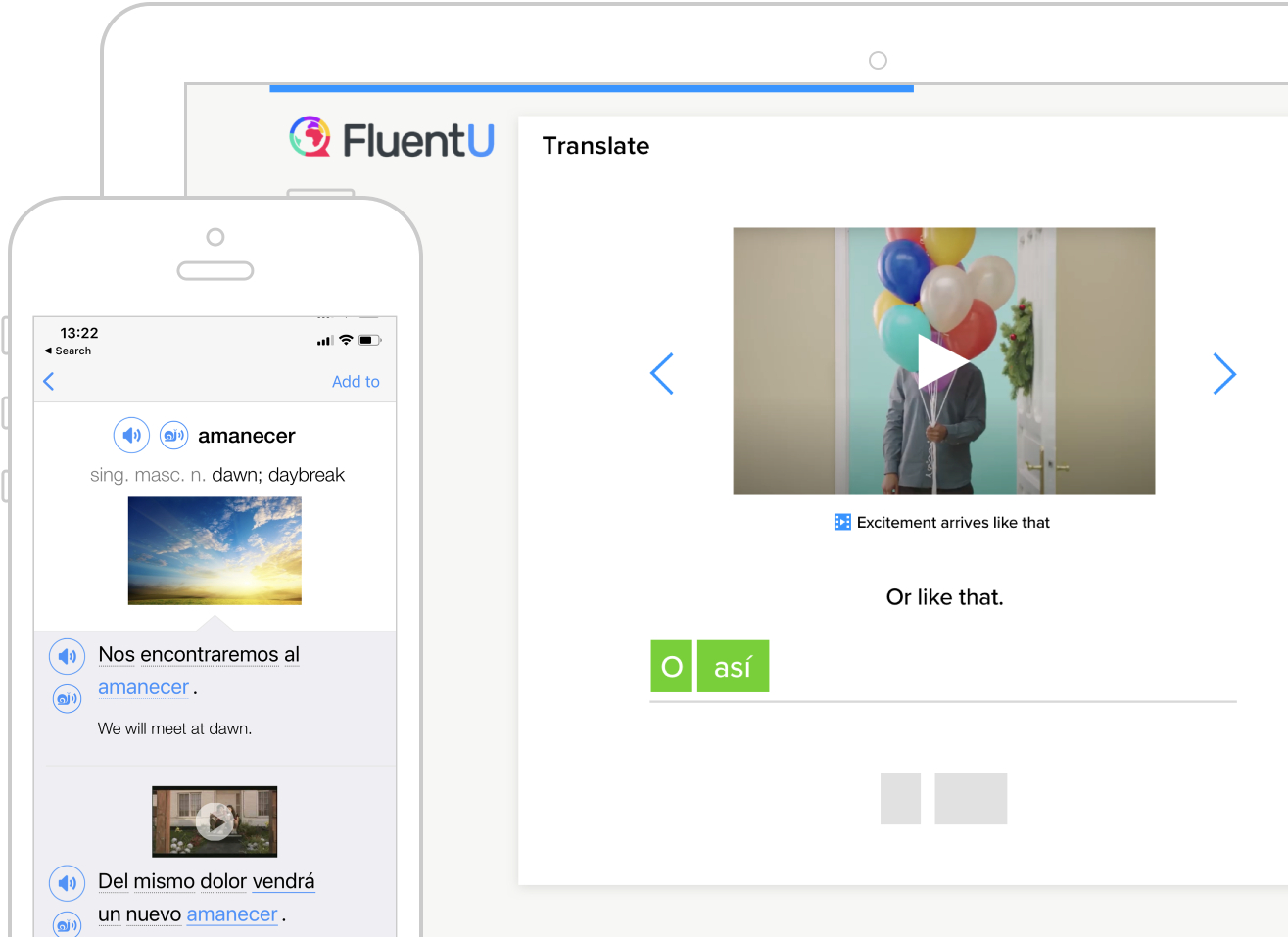
Out of the four skills, two that lend themselves to one another are speaking and listening.  Students in a classroom who need practice speaking and listening to the English language.  One article that I found useful in my Google Alerts this week came from Study International and had a list of Top 4 Apps to Help International Students Learn English Effectively,  one of the comments from an App developer, FluentU, was really interesting and stated that it, "uses a natural approach that helps you ease into the English language and culture over time."  I really liked the perspective and see the app as something that could be useful in our EL department.  Students can interact with videos, musical numbers, commercials, news and inspirational talks with subtitles and quizzes that adapt to the student's level of English.  
Getting Social in the Classroom listed a lot of great technology apps to use with students and inspired me to think of ways that I could get students to practice using the vocabulary in Geometry in an authentic way.  Using Flipgrid, I could have students post vocabulary pre-view videos and then interact with one another by responding after listening to one or two recordings of their peers.  Students could then practice using their English skills in the mathematics classroom, and use the technology to listen to others in the classroom.  Students would be able to listen to one another, critique their expertise and engage with one another in listening and speaking about content.

Reading and Writing 

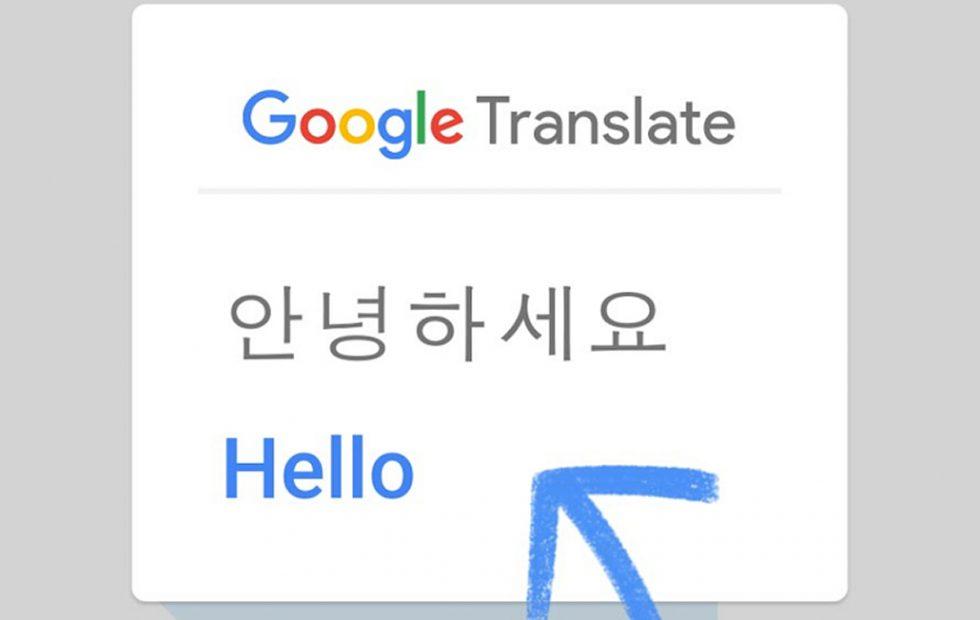
The Top 4 Apps for learning English Effectively also had an interesting use for Google Translate, using it Live to translate menus, signs or even museum exhibits.  This tool would have been useful for the group of students that I had the pleasure to chaperone in Annapolis, Maryland.  Students could have used Google Translate to quickly translate the wording on the plaques that were displayed in and around the capitol building.  The Google Translate tool can also be used within the mathematics classroom to help translate word problems in the mathematics classroom as well. 

Getting Social in the Classroom using social media to help engage students is described as an authentic way to get students to read and write in the classroom.  In my first blog, I talked about how I wanted to use Edublogs as a tool for student writing.  The one app in my reading that piqued my interest was the use of Twitter.  I have been using Twitter to connect with educators around the world, and the thought of linking student writing with the use of a specific hashtag.  Geometry students could connect to one another across my periods, and Tweet out real-world mathematics connections.  The beginning of the school year my classes could have a competition to find the best hashtag for the Geometry class, and I could then curate the Tweets for the classes to read online on my website.

With all of the online digital tools and applications on mobile devices, there are tons of ways to enhance and support the speaking, listening, reading and writing of my EL Students.  I am looking forward to using some of these tools in the future.  

Thursday, June 6, 2019

Blog #1 ESL 509 - Blogging with ESL Students

Over the Summer of 2019, I have the opportunity to increase my pedagogy skills by taking several courses.  One of the courses I am engaged in is utilizing technology in an EL classroom, called Computer Assisted Language Learning, ESL 509 at Wilkes University in Wilkes-Barre Pennsylvania.  The course has required our class to start a blog, which luckily I already had this one, and use Google Alerts to keep up to date on ESL Technology for the classroom.  Several tags I have added include ESL itself, ESL Blogs, ESL Tech, ESL Math and some other Gaming to Learn Alerts.  Although they are limited, I have begun to collect some great resources for my teacher toolbox through the Google Alerts.

Blogging in the EL Classroom: 

During my tenure at William Penn Senior High School, I have taught the full gamut of mathematics courses until I finally landed in my passion, Geometry.  I teach a heavily vocabulary centered mathematics course, that has a lot of terminologies to describe the pictures and diagrams my students see every day.  One such set is the "undefined terms" of points, lines, and planes.  Within my classroom, I have utilized journaling on a weekly basis to help students process, use, and analyze the terms in Geometry.  I have a journaling page that students write on, and usually, every Monday, Wednesday, and Friday and submit each week for a grade.   They are asked to describe a process, define terms in their own words, and solve algebraic problems with geometric shapes.  I have been toying with the idea for some time, and I think after some much-needed pushes with my research, I want to utilize Blogs in the coming year for students to accomplish much of these written responses.

After researching all of the resources, using EduBlogs will best help me take my writing assignments to a new level.  While looking for information I came across some Tips and Tricks on how to use blogs with EL students.  Suggestions included having students utilize Blogs to keep up with the written practice of the English Language, then to make sure students write comments after at least one other person's written responses.  Setting up a good framework of expectations with a grading rubric is a must in this endeavor, as students will need to make sure their responses are thoughtful and appropriate for a school setting.  Blogs can be utilized as a writing platform to connect all student learning as well as help EL acquisition of the English Language.

EL Math Course


While reading some more of my Google Alerts one popped up that was interesting to me,  "CSISD Trustees Approve New Math Course for ESL High School Students."   While we have been struggling with Algebra Keystones and meeting state proficiency benchmarks, there are very few supports for our EL students.  Having an EL Math Course could be a game changer for our district.  If we had our students in the right supports we would be able to help students grow even more than in previous years.  Some of our students could really benefit from having an EL supported Math class to help with skills and vocabulary that they could encounter in our state exam.

This past school year our Algebra courses were enriched by adding the Math 180 online course and curriculum.  Students are challenged daily to make numerical sense out of the problems that they see. Maybe just taking this course, adding an EL co-teacher or aid might be just enough to make an EL math course with number sense and language support.


Look out next week for my next writing involving more of my thoughts on teaching EL students with technology!


Friday, April 26, 2019

Sensei Gibson

During my graduate course on Educational Technology Leadership, a reading was assigned and I was posted a question, "Do you see yourself in one of the professors? If so, which one?"

After reading “A Modern Leadership Fable” from Don Hall, I did a lot of thinking about my own style of leadership, and where I have gone throughout my life to bring me to wanting to become an Educational Technology Leader. Throughout my life, I feel I have always naturally gravitated towards the leadership role of an organization. In high school, I ended up becoming the President of the Chestnut Ridge 4-H Club, President of the Laurel Mountain 4-H Club, President of the Westmoreland County 4-H Board, President of NHS, President of Student Council, Vice President of the AFS Club, etc. I stepped away from leadership roles and did a lot less while as a college student, working a job to help pay for my gas, books and other expenses. Once I moved to York to become a teacher I tried to stay clear of leadership roles as well, only helping out with our local Jaycees’ Chapter as a member, and then something just switched back on. While we were voting on board members, I chaired the committee for membership. I joined our Data Committee at the alternative education school I taught at for a year. Once moving back to the High School, I agreed to help be a Technology Liaison, and troubleshoot minor issues within my building for our IT Department (That has since changed). Then I applied for the Distributed Leadership Committee within my high school, now I want to help drive even more change in my building and district.


As an educator my desk is far from perfect, I reference other great teachers in all of my writings and musings, I also feel like I know my stuff and can be counted as a sage sometimes as well. I feel as though the professor from the Fable I am most like, would have to be the Sensei, in all of my styles education, technology, and leadership. I may not always know the right answer but I can find it, I try to stay humble and appreciate what everyone can bring to the table, and in that aspect from Kurt Lewin’s styles of leadership I feel I would definitely be a Participative Leader, looking to make sure everyone has contributed and give a voice to all participants. I am naturally laid back, a procrastinator who accepts his faults and works hard when called for.  My own daughter told me that I work too hard sometimes, even when I sit down to just play and build LEGO sets with her for hours at a time.

My "cleaned-up" version of my Desk.
Much messier now that the end of the year is near. 

After starting this discussion, reflecting on my past, present experience and future aspirations, I feel like I bring a lot to the table as an educator, a leader, and as a human being. My wife has been trying to get me to see that I do some pretty amazing things, but I never feel as though they are truly great. I have a lot of self-doubt as to whether or not I am actually doing a good job. Then, I take a step back and see all of the hard work I do to make sure my students are appreciated, valued and gain insight to the world via my Geometry Curriculum, that I have painstakingly curated over the past 6 years. I was a force for bringing more technology courses back into the high school, and making sure students had access to the AP Computer Science Principles course. I am taking the initiative to pursue a second Master’s to ensure I am leadership material and build my schools’ future. I feel that I am exactly what I need to be, Sensei Gibson.

My New Badge!

Sunday, March 17, 2019

Leading Teachers through PD

As a part of our High School's Distributed Leadership (DL) Team, I have been given the opportunity to lead in new capacities for the past four years.  I have been trained for three years on the ways of developing teacher skills and school climate.  The team and I use the time allocated for our DL team to help bring Professional Learning Communities (PLCs) to life and advocate for using best practices while creating Professional Development (PD) for our staff.

One such day was last January when I lead our Department Meeting time and showcased using QR Codes for staff to get students working and engaged in their classrooms.  I modeled one use, by having staff get into groups of 4 and walk around our building scanning QR Codes about the process of using QR Codes in the classroom, while they went around with a group recording sheet.  (One person in each group at least had a QR Code Reader.

One teacher friend used QR Codes at the end of the
year, using the codes to tag a video for students
to listen and write in Spanish. 

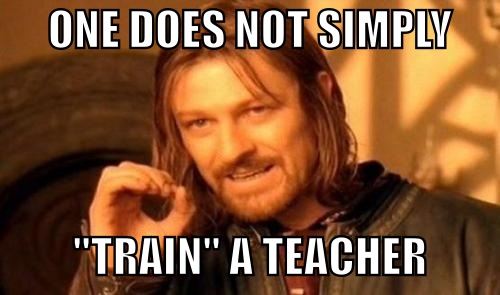
It became a huge success and everyone involved said the time used was greatly appreciated and the activity very appropriate for their practices.  I revamped the whole project for a recent graduate course paper that I had to make a QR Code activity.  I used PowerPoint to give my posters some extra character and even attached all of the QR Code Sites I used in each slide. I then began thinking about what else I could teach them would be the best use of their time, but as we all know one does not professionally develop teachers.

QR Code Activity: 


During a second PD, I led, involved looking at Google Sites to create a classroom website.  During this planned instruction I gave 10 minutes in demonstrating how to make a Google Site in Google Drive, then showcased my ever-changing work in progress Geometry Website.  Teachers were then placed in their departments to play with the Google Site creator and discuss possible uses for a site, what they would want to display or share with students and the world, etc.  Attached is my Google Site PD form that was shared out to all staff to work on and share ideas.   I designed the Google Doc to be informative, editable, and shareable for the information decided upon by each department. 

One of my takeaways from DL Trainings. 

Through leading teachers with Professional Development, I have become more secure in my knowledge of education and knowing what is good for both students and teachers in my building.  I hope to continue on this trend, leading and teaching all new skills that are easily adaptable for any classroom.

Please use and adapt any of the activities I have made for your school too!